
Creating a cozy and functional home workspace is essential in today’s world, where many people work from home or spend significant time on personal projects. A well-designed workspace can boost your productivity, help you stay organized, and make work feel less like a chore. Here are simple tips to help you create a comfortable and efficient workspace without breaking the bank.
Choose the Right Location
The first step in setting up your workspace is choosing the best spot in your home. Ideally, pick a quiet area with minimal foot traffic to reduce distractions. Natural light is a huge bonus, so look for a space near a window if possible. If natural light isn’t an option, be sure to have good quality artificial lighting to prevent eye strain.
Invest in Comfortable Seating
Your chair plays a big role in both comfort and focus. Look for a chair that offers good back support and encourages you to sit with proper posture. If a dedicated office chair isn’t feasible, consider adding cushions or a lumbar pillow to your existing chair to enhance comfort during long work sessions.
Use a Functional Desk
Your desk should be at a height that allows your arms to rest comfortably while typing or writing. It doesn’t have to be large — even a small table can work well as long as it fits your needs. Keep your desk clutter-free and only store essentials here to maintain a clean and inviting work area.
Organize with Storage Solutions
A cluttered workspace can quickly become distracting. Use simple storage solutions like shelves, drawers, or bins to keep items organized and out of sight. Labeling containers can also save time hunting for supplies. Regularly declutter to ensure your workspace remains tidy and functional.
Personalize to Boost Comfort and Motivation
Adding personal touches can make your workspace more inviting and inspire you throughout the day. Consider incorporating:
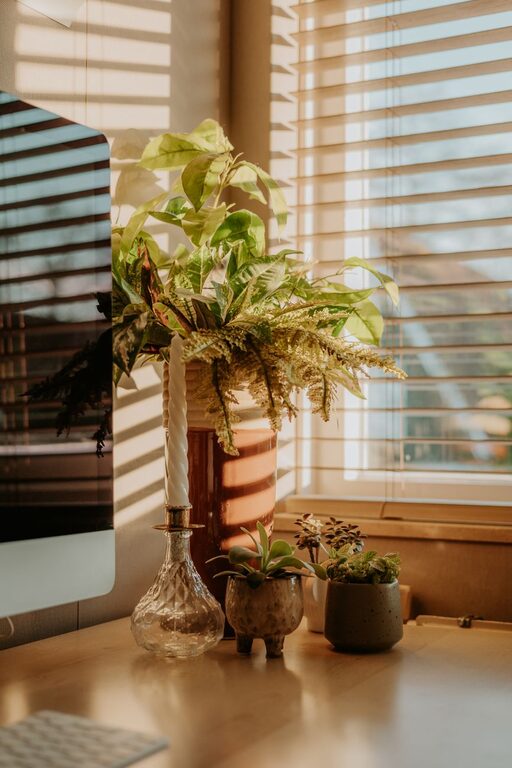
– A small plant to bring a bit of nature indoors
– Artwork or photos that make you happy
– A cozy throw blanket or cushions for added comfort
– A stylish desk lamp or organizer that matches your taste
Just be careful not to over-decorate, as too many items can become distractions.
Manage Cables and Technology
Keep electronic cables organized using clips, ties, or cable sleeves. This not only reduces clutter but also prevents tripping hazards. Position your computer, printer, and other devices so they’re easily accessible but don’t overwhelm the space.
Pay Attention to Ergonomics
Ergonomics helps prevent strain and discomfort during long work hours. Some tips include:
– Position your monitor at eye level to avoid neck strain
– Keep your keyboard and mouse close to avoid overreaching
– Take short breaks to stretch and rest your eyes regularly
Create a Comfortable Atmosphere
Temperature and noise levels can affect your productivity and comfort. If possible, control the temperature with a fan or heater. Use noise-canceling headphones if the room is noisy or consider playing soft background music to maintain focus.
Keep Supplies Within Reach
Having your frequently used supplies close at hand saves time and keeps you focused. Invest in desktop organizers or a small rolling cart where you can neatly store pens, notebooks, chargers, and other essentials.
Establish a Routine
Finally, once your workspace is ready, create a routine to separate work time from personal time. Keeping regular hours and taking breaks will help maintain productivity while supporting your well-being.
—
Creating a cozy and functional workspace doesn’t require extensive renovations. By focusing on comfort, organization, and personalization, you can transform any area at home into a pleasant and efficient work zone. Start small, make adjustments as needed, and enjoy a welcoming space that supports your best work.
Related Posts
Tips for Organizing a Productive Home Workspace
Creating a productive home workspace is essential for anyone working…
Tips for Creating a Cozy and Inviting Home Workspace
Creating a cozy and inviting home workspace is essential for…
Tips for Creating a Productive Home Office Space
Creating a productive home office space is essential for staying…