
Creating an organized and comfortable home office is essential for staying productive and focused throughout your workday. Whether you’re working remotely full-time or just need a dedicated space for occasional tasks, a well-structured home office can make a significant difference in your workflow and well-being.
In this post, we’ll explore practical tips to help you organize your home office, optimize your space, and create a comfortable environment that supports your productivity.
Start with Decluttering
Before arranging furniture or buying supplies, the first step is to declutter your workspace. Clutter can distract your mind and make it difficult to focus.
– Clear your desk: Remove everything from your desk surface. Only keep essential items like your computer, keyboard, and notepad.
– Sort and discard: Go through papers, pens, and office supplies. Toss or recycle what you don’t use.
– Organize essentials: Categorize remaining items – paperwork, stationery, gadgets – and find a designated place for each.
Choose the Right Furniture
Comfortable and functional furniture can transform your work experience. When selecting items for your home office, consider the following:
– Desk size and shape: Choose a desk that fits your available space and offers enough room to work comfortably. L-shaped desks are great for multitasking.
– Ergonomic chair: Invest in a chair that supports good posture. Adjustable height, lumbar support, and comfortable cushioning can reduce fatigue.
– Storage solutions: Use filing cabinets, shelves, or drawers to keep supplies and documents organized, reducing desk clutter.
Optimize Lighting
Proper lighting reduces eye strain and keeps your energy levels up.
– Natural light: Position your desk near a window if possible to take advantage of natural light.
– Task lighting: Use a desk lamp to illuminate your working area, especially for reading or writing.
– Avoid glare: Arrange screens and lighting to minimize reflections and glare on your monitor.
Organize Cables and Electronics
A tangle of cables can look messy and create frustration.
– Cable management tools: Use cable clips, sleeves, or boxes to group cables neatly.
– Power strips: Arrange your power outlets and chargers on a single power strip for easy access and control.
– Wireless devices: Consider using wireless keyboards, mice, and headphones to reduce cable clutter.
Personalize Your Space
A personalized workspace can improve your mood and motivation.
– Decorate thoughtfully: Add items like plants, artwork, or photos that inspire you without overwhelming the space.
– Use calming colors: Choose paint or accessories in colors known to enhance focus, like soft blues or greens.
– Keep essentials handy: Arrange frequently used items within easy reach to avoid interruptions.
Establish Zones for Different Tasks
If space allows, divide your home office into zones to separate different activities.
– Work zone: This is your primary workspace with your computer and desk.
– Reference zone: A bookshelf or filing area to keep documents and resources.
– Relaxation zone: A small corner with a comfortable chair for breaks or creative thinking.
Maintain Routine Cleaning and Organization
Keeping your office organized is an ongoing process that pays off.
– Daily tidying: Spend a few minutes at the end of each workday to tidy your desk.
– Weekly organization: Review files, replenish supplies, and clean surfaces weekly.
– Seasonal review: Every few months, reassess your setup and remove items you no longer need.
Use Technology to Stay Organized
Leverage apps and tools to bring order to your workflow.
– Digital note-taking apps: Use apps like Evernote or OneNote to keep track of ideas and to-dos.
– Task management: Tools like Trello or Asana can help you organize projects and deadlines.
– Cloud storage: Store files conveniently and securely to reduce the need for paper.
Consider Comfort and Ergonomics
Making your space physically comfortable is vital for long-term productivity.
– Monitor height: Keep your monitor at eye level to avoid neck strain.
– Keyboard and mouse placement: Position these devices to keep your wrists straight and arms relaxed.
– Footrest: Using a footrest can improve circulation and posture if your feet don’t comfortably touch the floor.
Final Thoughts
An organized and comfortable home office is a key ingredient for effective work-from-home success. By decluttering, choosing the right furniture, optimizing lighting, managing cables, and personalizing your space, you can create a productive environment tailored to your needs.
Remember, the best home office setup is one that helps you stay focused while feeling comfortable throughout your day. Regular upkeep and small adjustments will keep your workspace inviting and efficient for the long term.
Related Posts
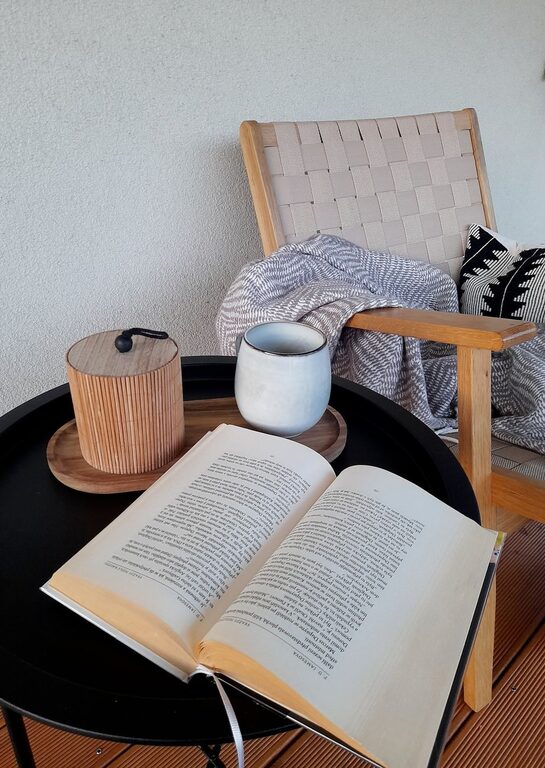
Tips for Creating a Cozy Reading Nook in Your Home
Creating a cozy reading nook in your home is a…
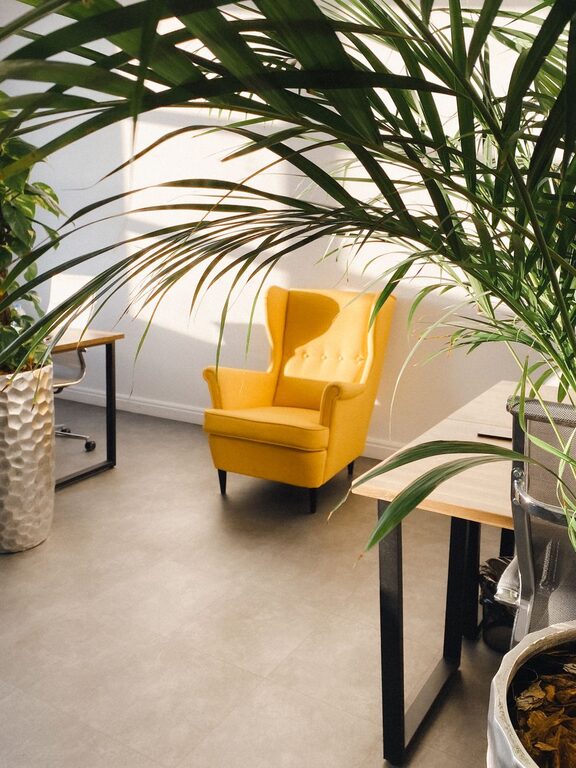
Tips for Creating a Cozy and Inviting Home Office Space
Creating a cozy and inviting home office space can make…
Tips for Creating a Productive Home Office Environment
Working from home has become increasingly common, and having a…